Çift Doğrulama Hakkında:
Çift Doğrulama, oturum açarken hesabınıza başka bir güvenlik katmanı sağlar. Çift Doğrulamayı etkinleştirmeden önce, lütfen hesabınıza bir telefon numarası, bir Google/Gate Authenticator veya bir e-posta adresinin (her 3 kimlik doğrulama yönteminden en az 2'si) bağlı olduğundan emin olun. Çift Doğrulama etkinleştirildiğinde, bu hesapta oturum açmaya çalışan herkes 2 doğrulama yönteminden kod sağlamalıdır, bu da hesabınızın güvenliğini büyük ölçüde artırır.
Web sitesinde İki Adımlı Doğrulama nasıl etkinleştirilir:
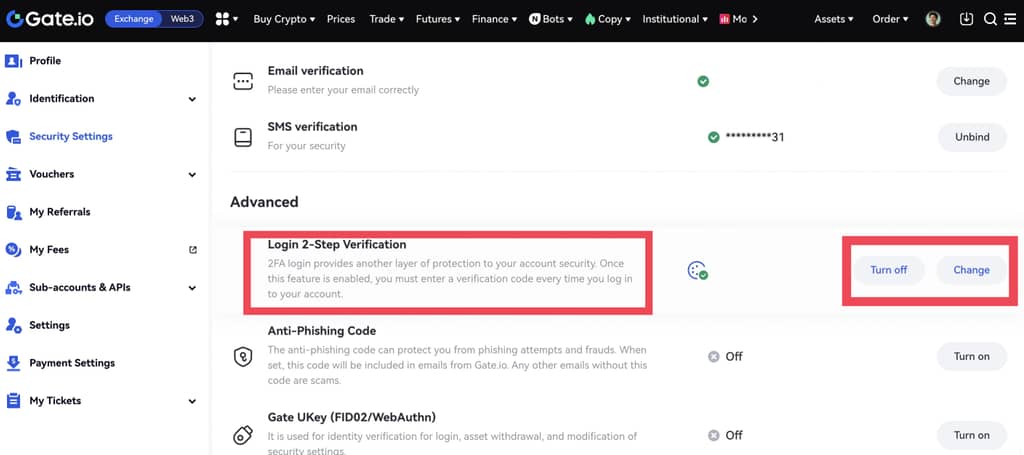
Hesabınıza giriş yapın. İmlecinizi sağ üst profil simgesinin üzerine getirin ve "Güvenlik doğrulaması" - "Giriş 2 Adımlı Doğrulama "ya gidin, ardından "Aç "a tıklayın.
Uygulamada İki Adımlı Doğrulama nasıl etkinleştirilir:
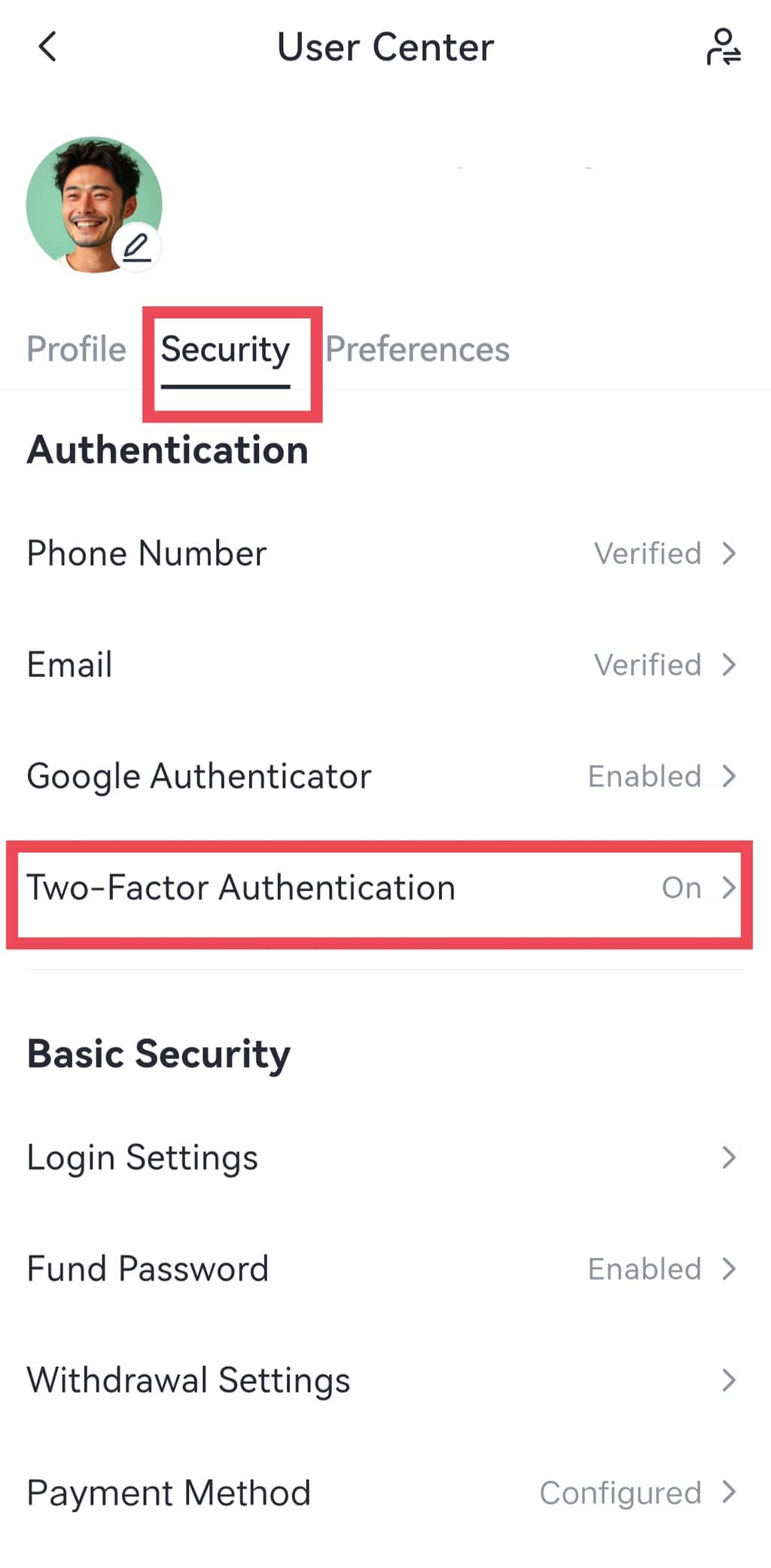
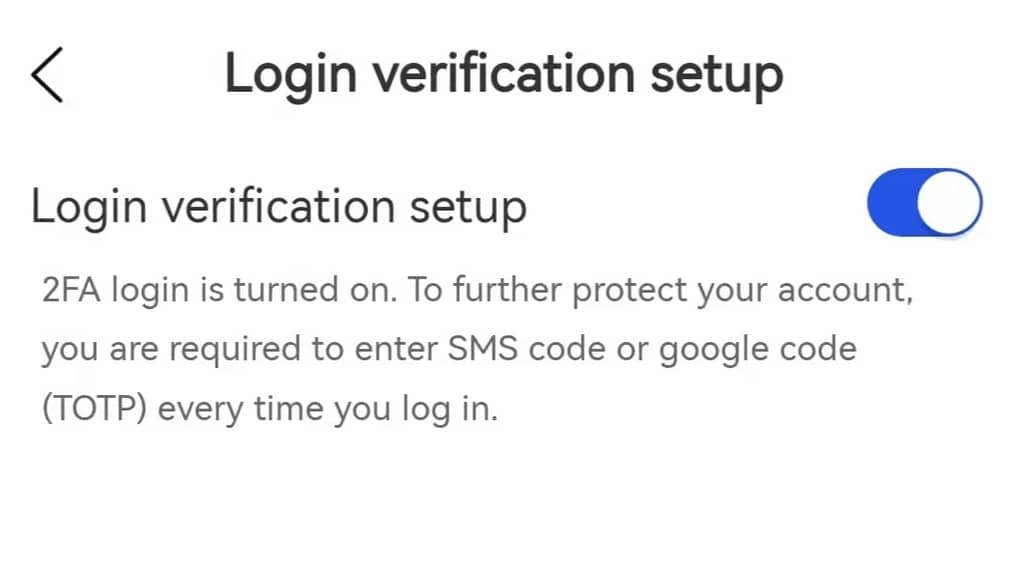
Gate mobil uygulamasını açın ve hesabınıza giriş yapın. Sol üstteki profil simgesine tıklayın ve ardından "Profil ve Ayarlar 'a tıklayın , İki Adımlı Doğrulamayı etkinleştirmek için "Güvenlik" > "İki Adımlı Doğrulama" seçeneğine gidin.